← All projects
JTOP's Emu Station
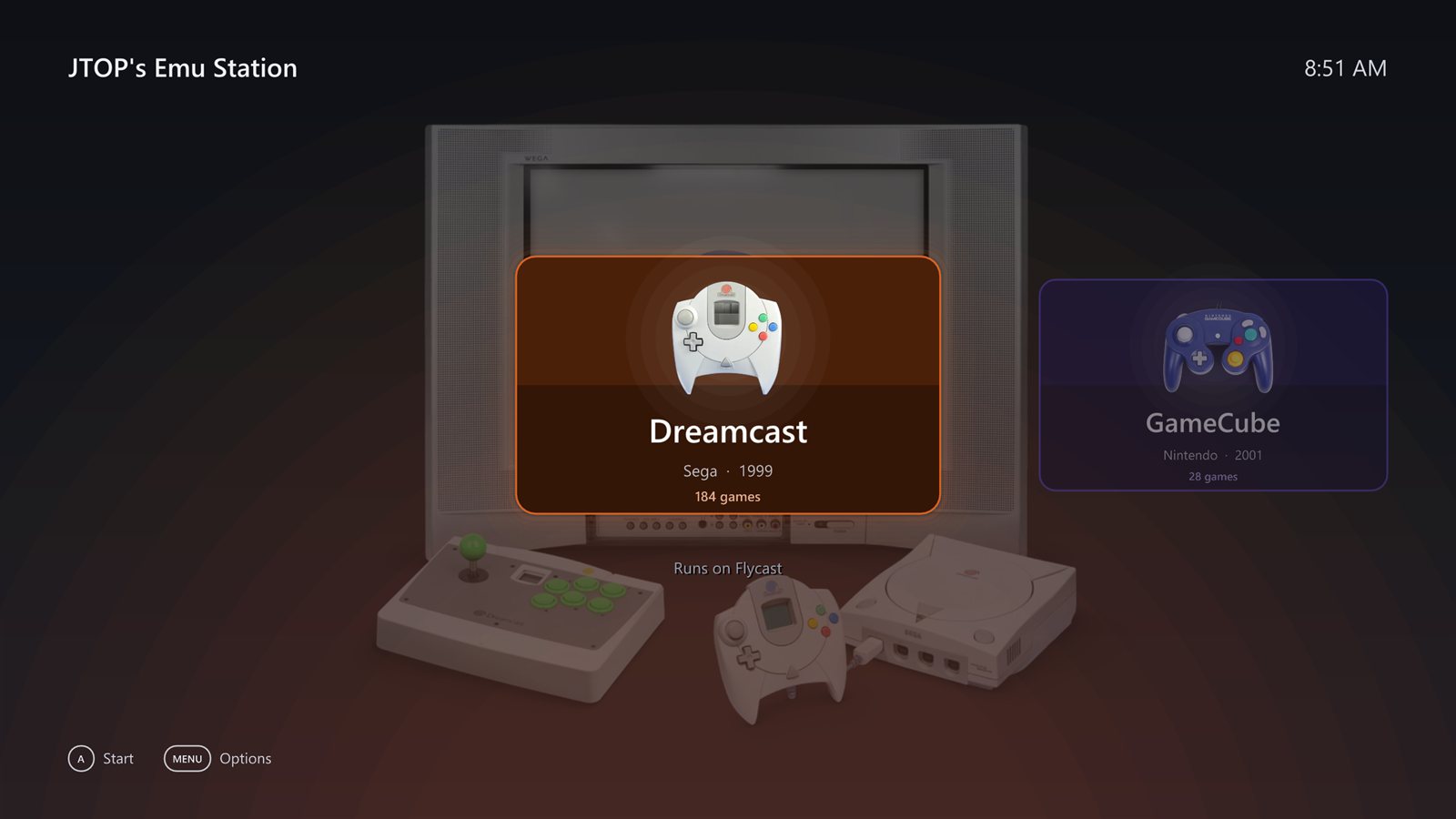
A console-style home screen for Windows that puts 11 consoles behind one controller-driven interface, with real startups and menus.
What it does
Pick a console from the home screen and it “switches on”: its real startup plays (from the BIOS where there is one), then a menu made to look like that console’s own, and games run inside the shell’s window in the right emulator.
Features
- Real startups: the PS2 towers, GameCube cube, Dreamcast swirl, and PlayStation and Saturn logos, played from the BIOS.
- Menu sounds and music recorded from the real console menus.
- Box art downloaded once from the libretro thumbnails collection and cached.
- In-game menu with Resume, Save State, Load State, Next Disc, Settings and Quit Game.
- Picture settings for each console, including screen shape and resolution.
- Multi-disc games are found automatically and listed once.
Consoles
| Console | Emulator | Menu |
|---|---|---|
| PlayStation | DuckStation | The PlayStation’s BIOS menu |
| PlayStation 2 | PCSX2 | The PS2’s browser and system configuration |
| PlayStation 3 | RPCS3 | The XMB |
| GameCube | Dolphin | The GameCube’s cube menu |
| Wii | Dolphin | The Wii Menu’s channel grid |
| Dreamcast | Flycast | The Dreamcast’s menu, with VMU saves |
| Genesis | RetroArch | Styled after its game boxes |
| Super Nintendo | RetroArch | Styled after the console |
| Nintendo 64 | RetroArch | Styled after the console |
| Saturn | RetroArch | Styled after the console |
| Xbox 360 | Xenia | Xenia’s own interface, embedded |